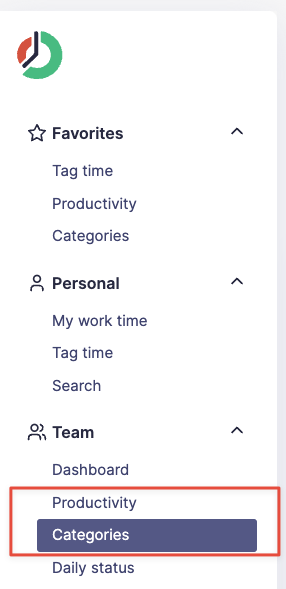
To view productivity, visit Teams -> Productivity.
To view categories, visit Teams -> Categories.
Breakdown views
Both reports open on a Breakdown tab. In Productivity, use it to inspect productive and unproductive time by hour and by application; the checkboxes above the application list let you show either type. In Categories, the breakdown shows category time by hour and by application. Use All categories above the list to choose which categories appear. You can then switch to the team or user views to compare people or groups for the selected period.